8 Signs Your Ghanaian Business Has Outgrown Spreadsheets
Spreadsheets are where every Ghanaian business begins, until growth quietly breaks them. Here are eight honest signs you have outgrown Excel and Google Sheets, and the smart, no-panic way to move to a system that actually fits how you work.
For most Ghanaian businesses, spreadsheets are where everything begins. Sales in one Excel file, inventory in another, payroll in a third, the customer list on someone's laptop. There is nothing wrong with that. A spreadsheet is one of the most powerful, flexible, genuinely useful tools a growing business can pick up, and it costs almost nothing to start.
The trouble starts when the business grows but the system underneath it doesn't. And growth here isn't really about headcount. Plenty of serious businesses still run on two or three people. It's about volume. The spreadsheet that comfortably ran a two-person shop serving a handful of customers a day quietly buckles once that same small team is serving fifty, moving real stock and real money, every single day. The cracks don't announce themselves. They show up as wasted hours, mismatched numbers, and decisions made on data nobody fully trusts. Here are eight signs you've reached that point, drawn from how Ghanaian SMEs actually run, and an honest look at what to do about it.
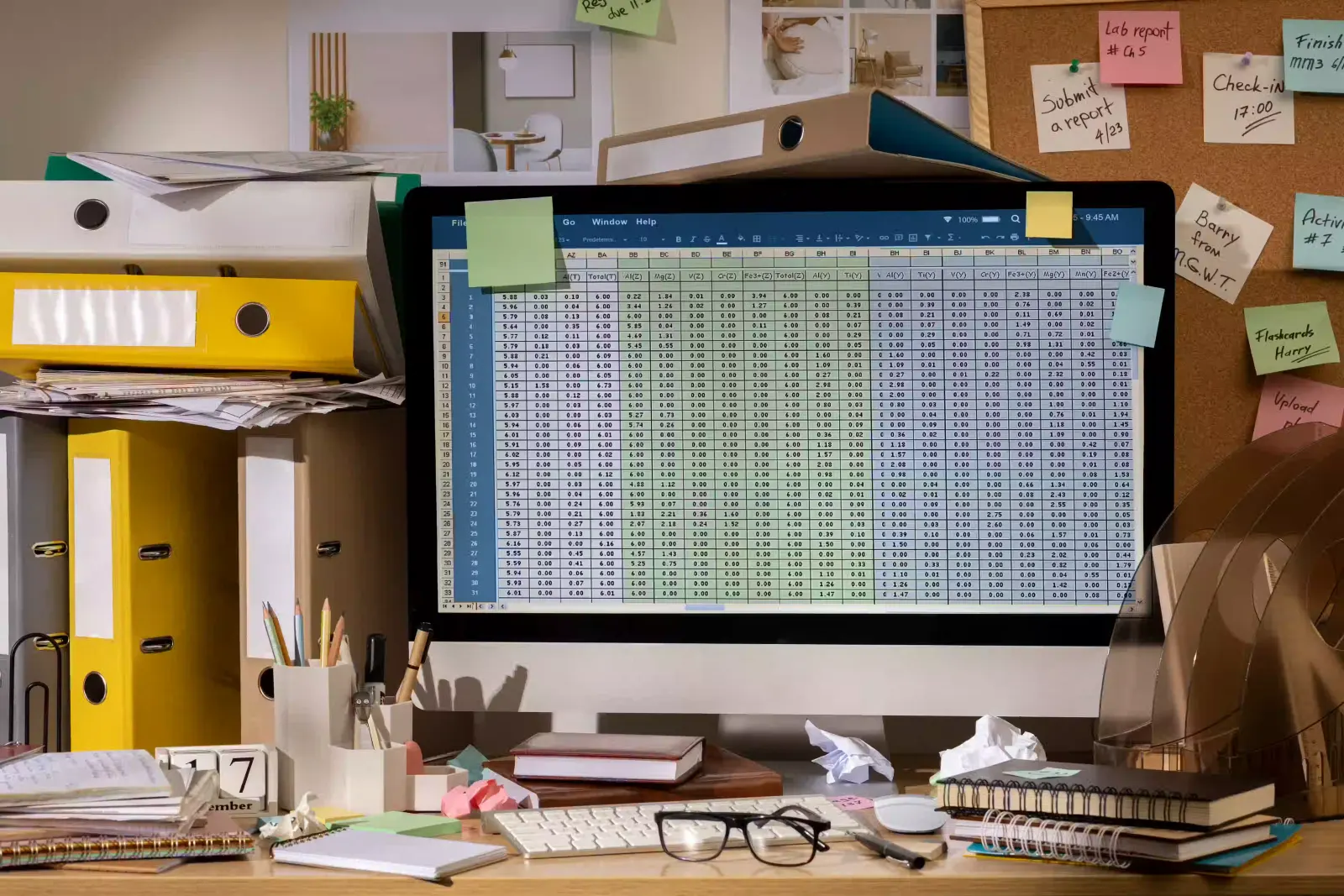
Spreadsheets don't fail loudly. They fail as wasted hours, mismatched numbers, and decisions made on data nobody fully trusts.
1. More than two people are editing the same spreadsheet
This is the first and clearest sign. The moment more than two people need to work in the same file, a spreadsheet starts working against you, because it was never built for several people to be in it at once. That plays out in two ways.
The first is the daily version scramble. The file gets passed around: emailed, dropped in a WhatsApp group, shared from Google Drive. One person updates inventory in the office while a field agent logs MoMo sales from the road, and by evening there are three versions and no honest answer to "which one is correct?" You end up with files named like this:
Sales_2026.xlsx
Sales_2026_Final.xlsx
Sales_2026_Final_v2_UPDATED.xlsx
Sales_2026_Final_REAL_use_this_one.xlsx
The second is the silent overwrite. Two people open the same shared sheet, both edit, and one person's work quietly disappears when the other saves. No error message, no warning. You only find out when a number is wrong and nobody can explain why.
Underneath both is the same problem: with more than two hands in the file, nobody is ever sure who has the right data. The day "who changed this?" becomes a regular question in your office, you've outgrown the tool.
2. You have no audit trail — something's wrong and you can't tell who did it
Sooner or later a number will be wrong. A figure won't match, stock on the sheet won't match stock on the shelf, or money that should be there simply isn't. So you go to investigate, and you hit a wall: the spreadsheet keeps no history. It can't tell you who changed that cell, when they changed it, or what it used to say.
With no record, an honest mistake and a deliberate one look exactly the same, and often you can't even work out which cell was touched in the first place. What should be a two-minute check turns into a witch-hunt, and usually ends with a shrug. A real system logs every change against a name and a timestamp, so "who did this, and when?" has an answer instead of starting an argument.
If this is already the sign hitting home, you don't have to read to the bottom to picture the fix. Tell us where it hurts and we'll build you a free prototype and demo of what a system shaped around your business would actually look like.
3. You're spending more time correcting and updating data than running your business
Think honestly about how your week is actually spent. How much of it goes to feeding the spreadsheets rather than serving customers and growing the business? If your team's days are filled with work like this, the tool has started working you instead of the other way round:
Copying sales figures from one sheet into another
Updating the stock count after every single sale
Recalculating staff commissions by hand every month
Creating invoices by re-typing data that's already sitting in a sheet
Reconciling the MoMo statement against the sales sheet, line by line
Every one of those is manual, repetitive, and exactly the kind of work a system should do for you in the background. When the same figure has to be typed into three places to stay correct, you're not running a business on a spreadsheet anymore. You're employing people to run the spreadsheet. A proper system, or even a small automation to quietly automate the copy-paste between your tools, hands those hours back.
4. There is no access control: you can't securely decide who has permissions to see and edit specific data, or who can approve a transaction
Open a shared spreadsheet and, by default, everyone in it can see everything and change anything. There's no clean way to say that this person can view sales but not salaries, that one can enter orders but not delete them, or that a discount or a payment needs a manager's sign-off before it leaves the building.
So sensitive numbers, like cost prices, margins and wages, sit in plain view of whoever opens the file, and the actions that should be checked simply happen. A discount goes out, a payment is made, a price is changed, and nobody signed off on any of it. A real system is built around roles, permissions and approval workflows: people see and touch only what their job needs, and the decisions that matter run through an approval step instead of relying on everyone remembering where the line is.
5. You can't get the reports you need, when you need them
A spreadsheet stores your data. It doesn't willingly answer questions about it. So when a question that should take ten seconds comes up, you're stuck:
Which products sold best this month?
Who are our top customers?
Which salesperson generated the most revenue?
Which branch is the most profitable?
Instead of an answer, you get an afternoon of exporting, cleaning up formatting, and building a pivot table that exactly one person knows how to make. By the time the report lands, the moment to act on it has usually passed. When the questions that should guide your business are too painful to ask, you stop asking them, and you start running on gut feel instead of what your own data is trying to tell you. This is the gap a live dashboard of the numbers that run your business is built to close: the answers on one screen, updating as things happen, instead of being rebuilt by hand every Friday.
6. Important information is scattered everywhere
Look at where your information actually sits. For a lot of growing businesses it looks like this: customer details in one spreadsheet, inventory in another, accounts in a third, sales on a manager's laptop, payroll handled entirely separately. Each one is an island.
The problem isn't any single file. It's that nothing talks to anything. A sale happens, but stock doesn't drop until someone remembers to update the other sheet. A customer's details change in one place and stay wrong everywhere else. The result is the same set of quiet, recurring problems:
The same data entered twice, slightly differently each time
Information that's missing in one place and present in another
Customers given wrong answers because the person checking had the old version
Decisions delayed while someone stitches the islands back together by hand
When sales, stock, customers and payroll each live in their own sheet, nothing reconciles and errors hide.
A growing business needs its parts to share one accurate picture. That's the whole idea behind one connected system built around how your business actually runs: a sale updates stock, the customer record, and the day's revenue in one action, because it's all the same system rather than five files pretending to be one.
7. Simple mistakes are becoming expensive
In a spreadsheet, one wrong character can cost real money, and there's nothing to stop it. One formula dragged a row too far. One decimal in the wrong place. One row deleted by accident. One stock figure that never got updated.
Studies of business spreadsheets have repeatedly found that the overwhelming majority contain at least one error, and in the files a business actually runs on, those errors don't stay harmless. They turn into:
An invoice sent out for the wrong amount
Stock you thought you had and didn't, so the sale walks out the door
A payroll run that short-pays staff or overpays them
A supplier paid twice, or not at all
A spreadsheet trusts whatever you type. A real system can refuse a sale for stock that isn't there, flag a duplicate payment, and keep a history of who changed what and when. When a single keystroke can cost you a customer or a payroll dispute, the cheap tool has become the expensive one.
8. Your growth has quietly stalled
Here's the sign that ties all the others together. If, a year on, you're still serving about the same fifty customers a day, it may not be because the demand dried up. It may be because the admin behind each sale won't scale.
Every new customer is more data to enter, more stock to reconcile, more rows to chase down at the end of the day. Past a point, the spreadsheet, and the people feeding it, simply can't take any more. So you stop taking on more, not because you chose to but because the back office is already full. That's the real cost of outgrowing spreadsheets: not the wasted hours or the errors themselves, but the growth that never happens because the system underneath can't carry it. When your tools decide how big you're allowed to get, the tools have to change.
When your tools decide how big you're allowed to get, the tools have to change.
What outgrowing spreadsheets does not mean
Before you go and cancel Excel on Monday morning, the honest part. Outgrowing spreadsheets does not mean spreadsheets are bad, and it does not mean you need to rip everything out and replace it with expensive software overnight. That's how businesses waste money in the other direction.
Spreadsheets are still excellent for what they were made for: quick calculations, one-off analysis, modelling a scenario, a draft before it becomes a process. The signs above aren't telling you to abandon them. They're telling you that the parts of your business that are now too important, too shared, or too fast-moving to live in a file have outgrown the file. Usually it's one or two areas first, inventory or sales or payroll, not everything at once.
So the real next question isn't "spreadsheet or system." It's which system, and how you get there without breaking what already works.
So what do you actually do next
You don't need a grand transformation. You need a sensible first step. Here's the order that works:
Find your most painful sign. Look back at the eight. The one that wastes the most hours or scares you the most (the version chaos, the mistakes that cost money, the growth you can feel stalling) is where the return is biggest. Start there, not everywhere.
Decide buy versus build. Some problems are solved by a ready-made tool you can use this week; others need something shaped around how you actually work. We walk through that exact trade-off in our guide to whether you should buy a ready-made system or build your own.
Move one process, prove it, then expand. Get one area off spreadsheets and working well. The win pays for the next step and brings your team along, instead of one big switch that everyone resents.
If you can already feel which sign is costing you most but can't quite picture the fix, that's the easiest gap to close. You don't have to imagine it in the abstract.
None of this is about chasing software for its own sake. It's about reaching the point where your business stops waiting on a file, and the people who run it get their time, their accuracy, and their evenings back. If you recognised three or more of these signs, you're already past the point where a spreadsheet is helping.
Key takeaways
Spreadsheets aren't the problem; outgrowing them quietly is. The signs show up as wasted hours and untrustworthy numbers, not error messages.
The everyday tells: more than two people fighting over one file, no audit trail when something's wrong, and more time spent correcting data than running the business.
The structural tells: no real control over who sees or approves what, reports you can't get on demand, information scattered across disconnected files, and cheap mistakes turning expensive.
The one that matters most is growth quietly stalling because the back office can't scale. Start with your most painful sign, decide buy versus build, move one process, and expand from the win.
Discussion
1 comment
AO
Aaron Osabu3 months ago
I started a farming project that failed ,l am still struggling to re-established ,l really found this piece of information "an eye opener",l will always follow your writings.!Bravooii.
Leave a comment
Thanks — your comment is awaiting moderation.
It will appear here once a member of our team approves it.
Off-the-shelf or custom? For a growing Ghanaian business, choosing wrong in either direction is expensive. An honest comparison of cost, fit, ownership, and ROI — with a decision matrix and the signals that mean it is time to build.
The difference between a business that scales and one stuck on its owner is written-down, shareable knowledge. Here is what to document, and why cloud-based wins.




Discussion
1 comment
I started a farming project that failed ,l am still struggling to re-established ,l really found this piece of information "an eye opener",l will always follow your writings.!Bravooii.
Leave a comment
Thanks — your comment is awaiting moderation.
It will appear here once a member of our team approves it.